
Is the website the business itself, the face of the business, or one of many sites you run for other people? That answer changes which of the programs for building websites will work for you. A fashion retailer needs catalogue tools, returns and multilingual product copy. A corporate team needs approvals and permissions. An agency needs client access without chaos.
This list covers ten hosted options grouped by the job they do best, not by a generic feature score. Each entry states plain limitations, so you can rule tools out fast. If your priority is turning visitors into enquiries, look at how easily a program lets you connect high-intent buyers with sales rather than counting templates. The comparison table after the list summarises the differences for quick scanning.
That distinction has history. The CERN short history of the Web notes that Tim Berners-Lee proposed the Web at CERN in 1989, and CERN placed the Web software in the public domain on 30 April 1993. Browsers, servers and tools to create pages were there from the start. Today's builders package that same model, with very different trade-offs.
Table of Contents
- 1. CIQRA
- 2. Shopify
- 3. Wix
- 4. BigCommerce
- 5. WordPress.com
- 6. Squarespace
- 7. Webflow
- 8. Duda
- 9. Hostinger Website Builder
- 10. GoDaddy Website Builder
- Website-building programs compared at a glance
- Choosing by Use Case, Not by Hype
1. CIQRA
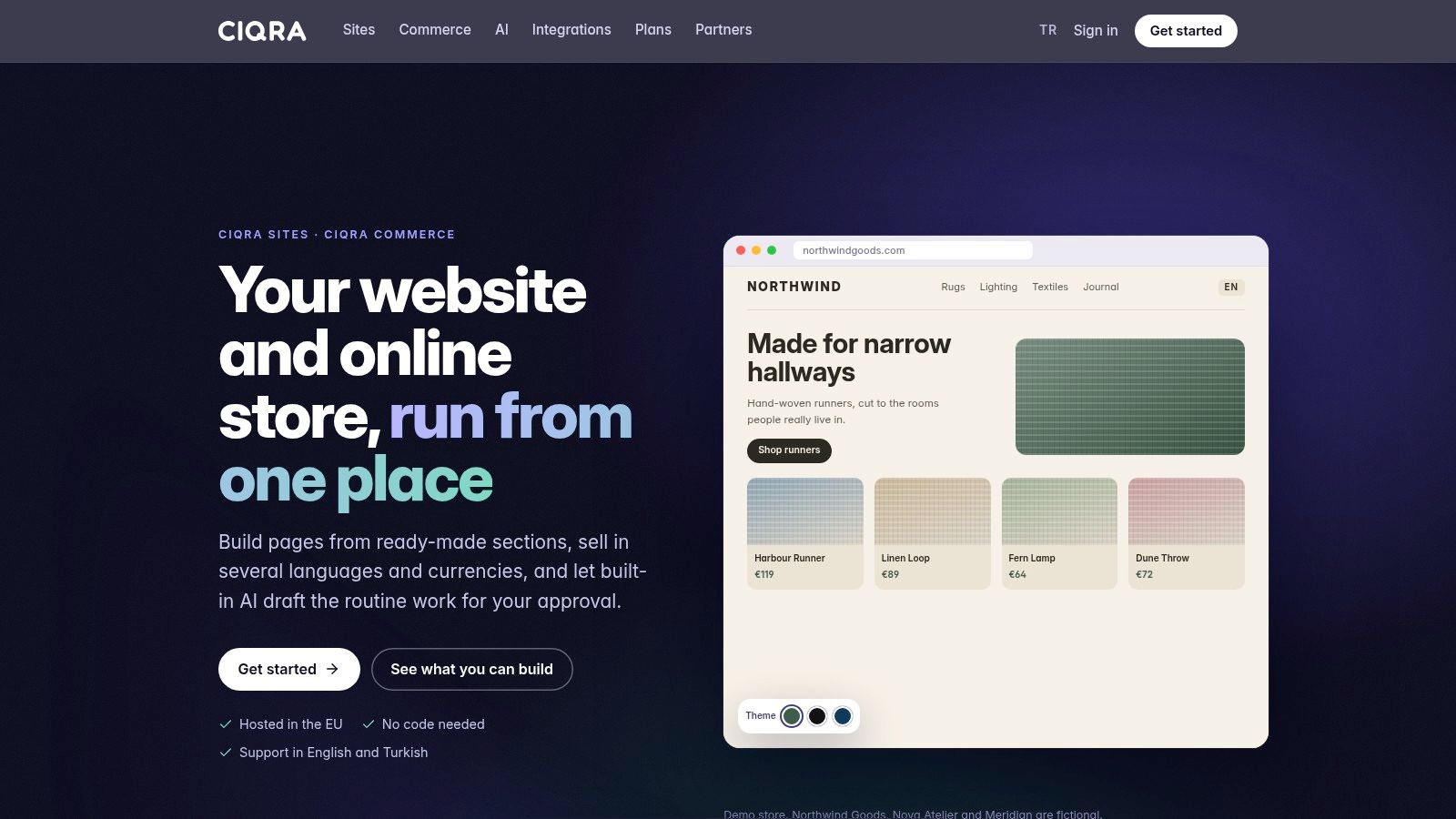
Will your company site need a store later? CIQRA combines CIQRA Sites and CIQRA Commerce in one platform and administration interface, so you can add commerce without migrating content or switching systems.
Sites suits companies that need multilingual pages, a blog, newsletters, live search and enquiry forms. Forms accept file uploads, quarantine spam and can pass leads to supported CRMs. Pages are built by stacking ready-made sections, filling them in and publishing, without a developer.
Commerce adds product catalogues, baskets, checkout, multiple currencies and stores, business accounts, and customer-initiated returns for registered customers and guests. Sales tools include promotional pricing, bundles, gifts with purchase, abandoned-basket emails, loyalty points, reviews and product Q&A. The trade-off is a broader system to configure than a site-only builder.
Controls, AI and Performance
For teams publishing across properties, roles, permissions, approval workflows, activity logs and version restoration help control changes. AI can draft product descriptions, translations, SEO text and image descriptions. Administrative AI changes require approval and can be undone. The catalogue-based shopping assistant identifies itself as AI and can hand conversations to staff.
Performance still needs checking on your own pages. The 2025 Web Almanac performance chapter reports that websites achieving “good” Core Web Vitals rose to 36% on mobile and 48% on desktop in 2023. CIQRA renders pages on the server and publishes performance figures with measurement dates, methods and limitations. Test representative pages, especially product listings and checkout on mobile, before choosing a platform.
Practical rule: If you expect to add commerce within a year, choose a platform that can support the store from the start. That avoids a later content migration.
CIQRA fits companies that want a managed website now and a store on the same platform later. Site and Shop plans can be billed monthly or yearly. Enterprise CMS starts from $1,499 per month on an annual agreement; large multilingual sites have a negotiated contract, so request a quote for the full cost.
2. Shopify

Is Shopify the right choice if the store is central to your business? Its hosted platform combines storefront themes, product and inventory management, checkout, payments, shipping, and sales across online, social, marketplace, and in-person channels. Shopify Markets supports translated storefronts, local currencies, and localized selling.
For multichannel retailers, managing products in one place can reduce duplicate work. The app ecosystem extends the platform, but each addition brings another cost and maintenance task. Review the key considerations when choosing an e-commerce platform before budgeting for apps.
A 2026 compilation based on W3Techs data lists Shopify on 5.4% of all websites. That suggests a sizable ecosystem of developers, themes, and integrations, but adoption alone does not show whether the platform suits your margins or workflows.
- Best fit: Solo merchants and multichannel retailers
- Watch the cost: Advanced functions may require apps or higher-tier plans
- Payments: Third-party payment providers can incur extra transaction fees
Shopify's entry plan costs less with annual billing than month-to-month billing. Check Shopify's current pricing before setting your budget. For product-page social proof, Shopify testimonial management tools are available, though each app adds cost and upkeep. If your priority is an editorial or corporate site, Shopify's store-focused setup may be more than you need.
3. Wix
Wix suits a business that wants visual control without assembling hosting, design and store tools separately. Its drag-and-drop editor and large template selection cover business sites, portfolios, blogs and online stores. Free site-building access lets you test the editor before paying.
The App Market is both the strength and the risk. You can add bookings, marketing and ecommerce tools on suitable plans, but every extension is another cost, permission and update to assess. Before you build, check the essential CMS features against your real publishing needs, not the template demo.
Where Wix Works and Where It Strains
Wix works well when business content and basic commerce live together and one person owns the site. It strains when you need complex catalogue rules, B2B pricing or deep checkout logic. At that point, compare its native store against specialist commerce platforms instead of stacking apps.
Paid plans are needed for a custom domain and selling online, and store features depend on the tier you choose. I recommend Wix for a hands-on owner who values layout freedom. I don't recommend it as the default for a growing retailer who'll need serious product, returns and channel management.
4. BigCommerce
Say you run several brands or sell to both consumers and trade buyers. BigCommerce is built for that step up from a basic shop, with product, order and channel tools in one hosted platform. It connects to marketplaces and social channels without making you rebuild the catalogue.
Customer groups and segmentation control product access, pricing and promotions, which matters for B2B suppliers who can't show every price to every visitor. Multi-storefront options let you run different brands, regions or segments from one account. That's cleaner than maintaining separate stores with duplicated products.
- Core plan: Listed from $29 per month with annual billing
- Trial: A 15-day free trial is available
- Plan progression: Higher tiers are based on sales volume and needs
The trade-off is complexity. A small store may never use the segmentation and B2B depth, yet still face the learning curve and sales-volume thresholds that move you up a tier. Advanced storefront customisation may also need development work. Pick BigCommerce when out-of-the-box commerce depth matters more than a simple editor.
5. WordPress.com
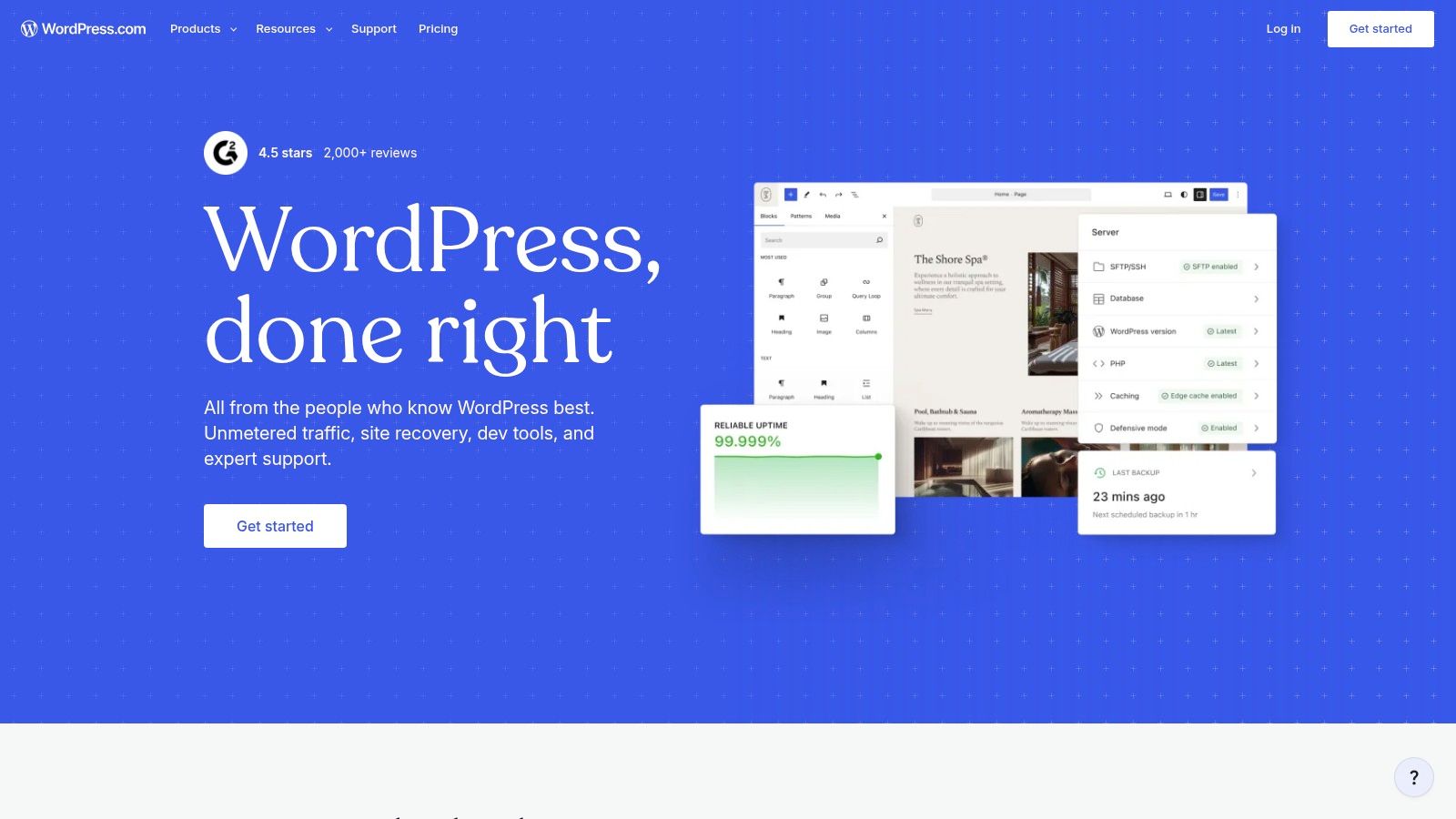
WordPress.com is the managed route into WordPress, with hosting included, a block editor, themes and AI-assisted site creation. Don't confuse it with self-hosted WordPress.org. Here you trade some control for less infrastructure work.
Scale explains its appeal. W3Techs reports WordPress accounted for 58.2% of websites whose content management system could be identified in its 30 October 2026 measurement. That means tutorials, developers and plugins are easy to find. It doesn't mean every plugin combination is stable or fast.
Plugins Give Power and Maintenance
Paid plans allow plugin installation, and WooCommerce adds product, shipping, inventory and checkout features. A content-heavy corporate site can therefore grow into a store. A free entry-level plan helps you test publishing before you commit.
The cost is ongoing choice management. You configure, update and troubleshoot the plugins you add, and features vary sharply by plan. Complex stores may need several extensions on top of WooCommerce. Choose WordPress.com when extensibility matters and someone on your team will own plugin decisions.
6. Squarespace
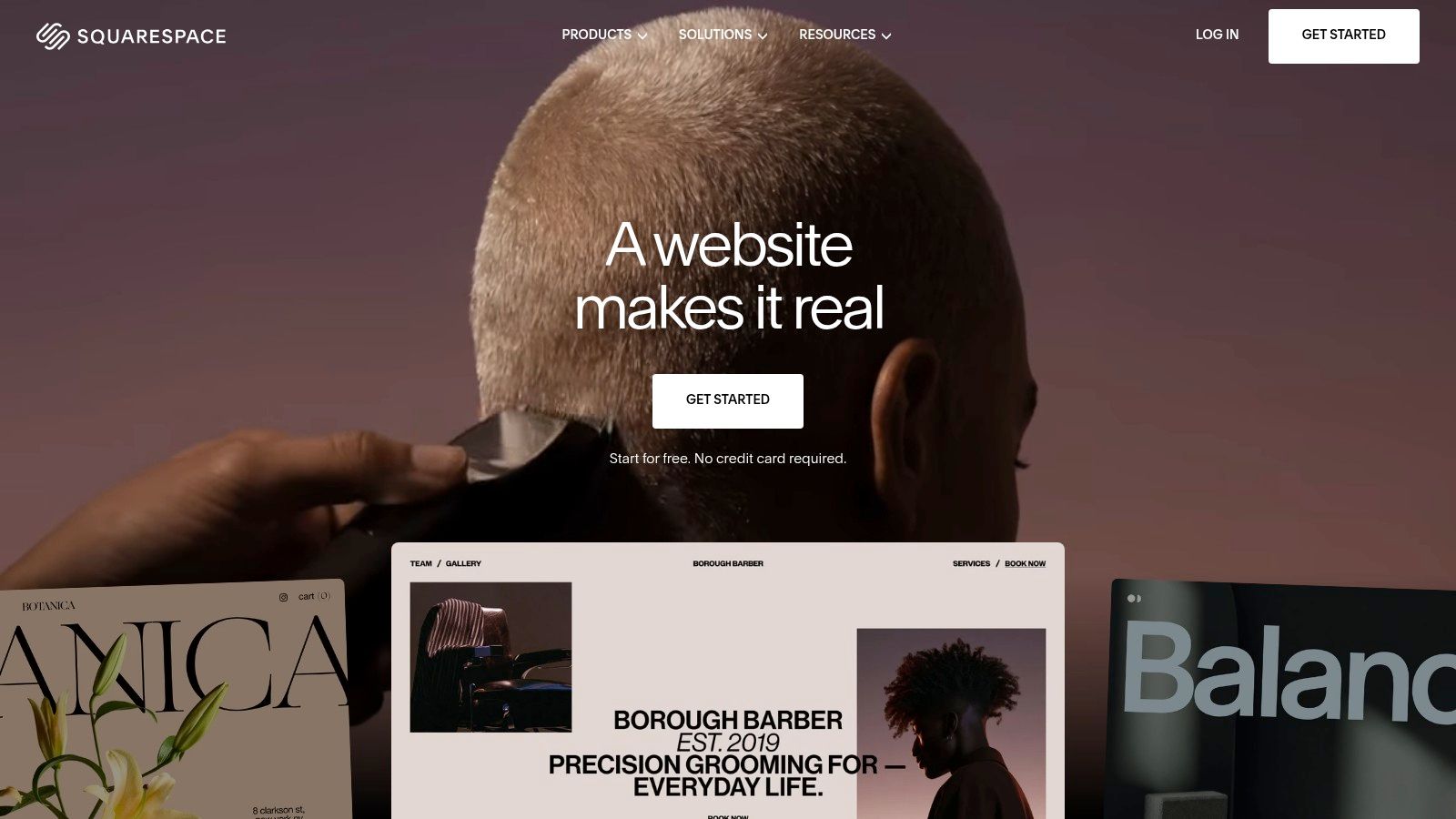
For a design-led brand, presentation isn't decoration. It's the product. Squarespace pairs professionally designed templates with drag-and-drop editing, hosting, blogging, newsletters and marketing tools in one managed service.
That combination fits creative businesses, home and living brands and service firms that sell a relatively straightforward range. You can sell products or services with order and inventory management and payments, without bolting on a separate store platform. Annual plans include one year of domain registration on available domains.
Annual-billing US website plans are listed from $19 per month, with a 14-day trial and no free plan. Use the trial with your own photography and longest product names. Templates that look clean with demo content can break with real catalogue data.
A beautiful template that your team can't update without breaking the layout will cost you more than a plainer one they can publish in ten minutes.
Ecommerce features vary by plan, so check checkout, discounts and inventory rules before you design around them. Squarespace is generally better for simpler stores than for complex, high-volume retail. If bundles, B2B accounts or multi-store selling are central, look elsewhere first.
7. Webflow
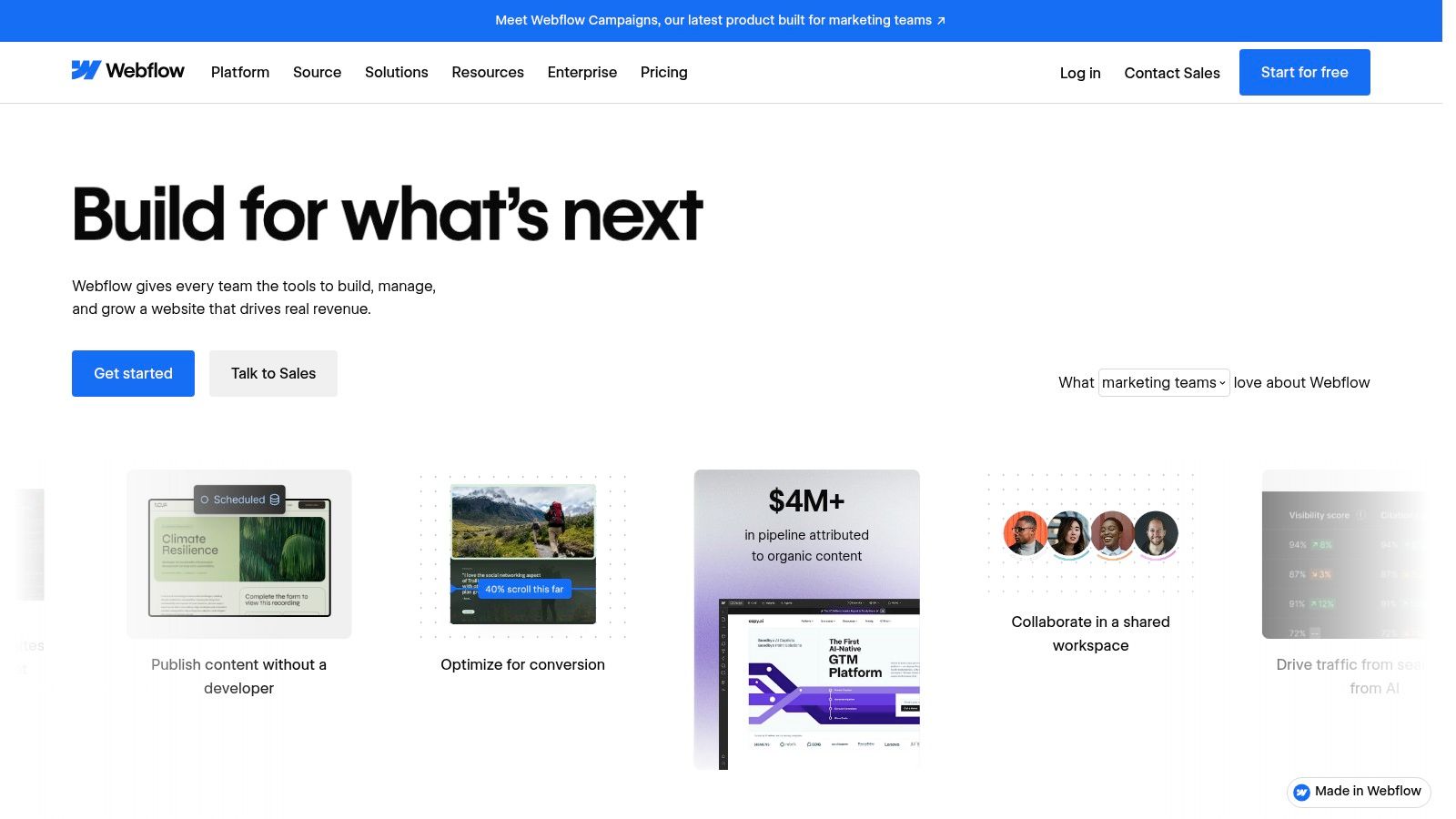
Webflow is for teams who want precise control over layout, styling and interactions without hand-writing code for every change. Its visual design tools connect closely to CMS-driven structured content and hosted publishing. A free option lets you publish to a Webflow subdomain while you learn.
That control has a price in time. Webflow has a steeper learning curve than beginner builders, and non-designers can struggle with classes, breakpoints and interactions. If you're comparing hosted models, this explainer on what a SaaS CMS is clarifies what you manage and what the provider runs.
- Design control: Bespoke layouts and interactions without routine hand-coding
- Content: CMS and site design work as one system
- Commerce: Integrated product pages and shopping experiences
Pricing can involve separate site and workspace plans, so model the full team cost, not one site fee. Ecommerce is available, but I wouldn't choose Webflow over Shopify or BigCommerce for advanced retail operations. Choose it when a custom brand site is the priority and you have design skill in-house or on retainer.
8. Duda
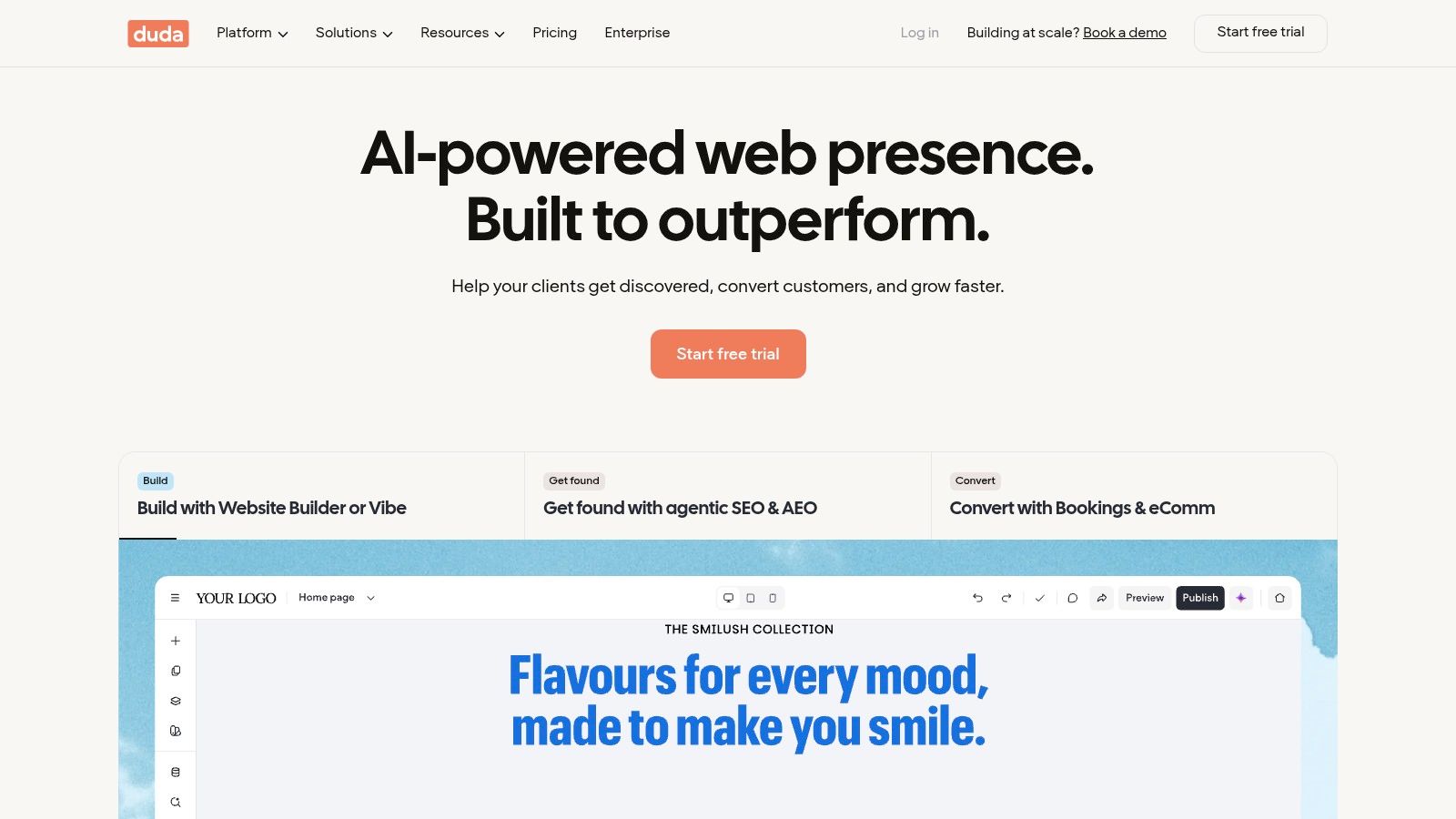
Agencies don't need another pretty editor. They need control over many sites, many clients and who can change what. Duda is built around that problem, with a multi-site dashboard, visual editing, multilingual support and client-management tools.
Relevant plans add team seats, permissions and white-label client access, so clients see your brand and only their own site. That reduces support confusion and stops a client editor from breaking global settings. For an agency managing dozens of small business sites, those workflows matter more than extra design effects.
Commerce as an Upgrade
Ecommerce is optional rather than the core focus. Store plans specify product limits and have no Duda transaction fees, which makes costs easier to explain to clients. Still, product limits and features vary by tier, so a client who outgrows a small catalogue may need a plan change or a different platform.
A single-site owner may pay for agency machinery they'll never use. Duda earns its place when you manage client projects repeatedly and need permissions, white labelling and multi-site oversight in one workspace.
9. Hostinger Website Builder
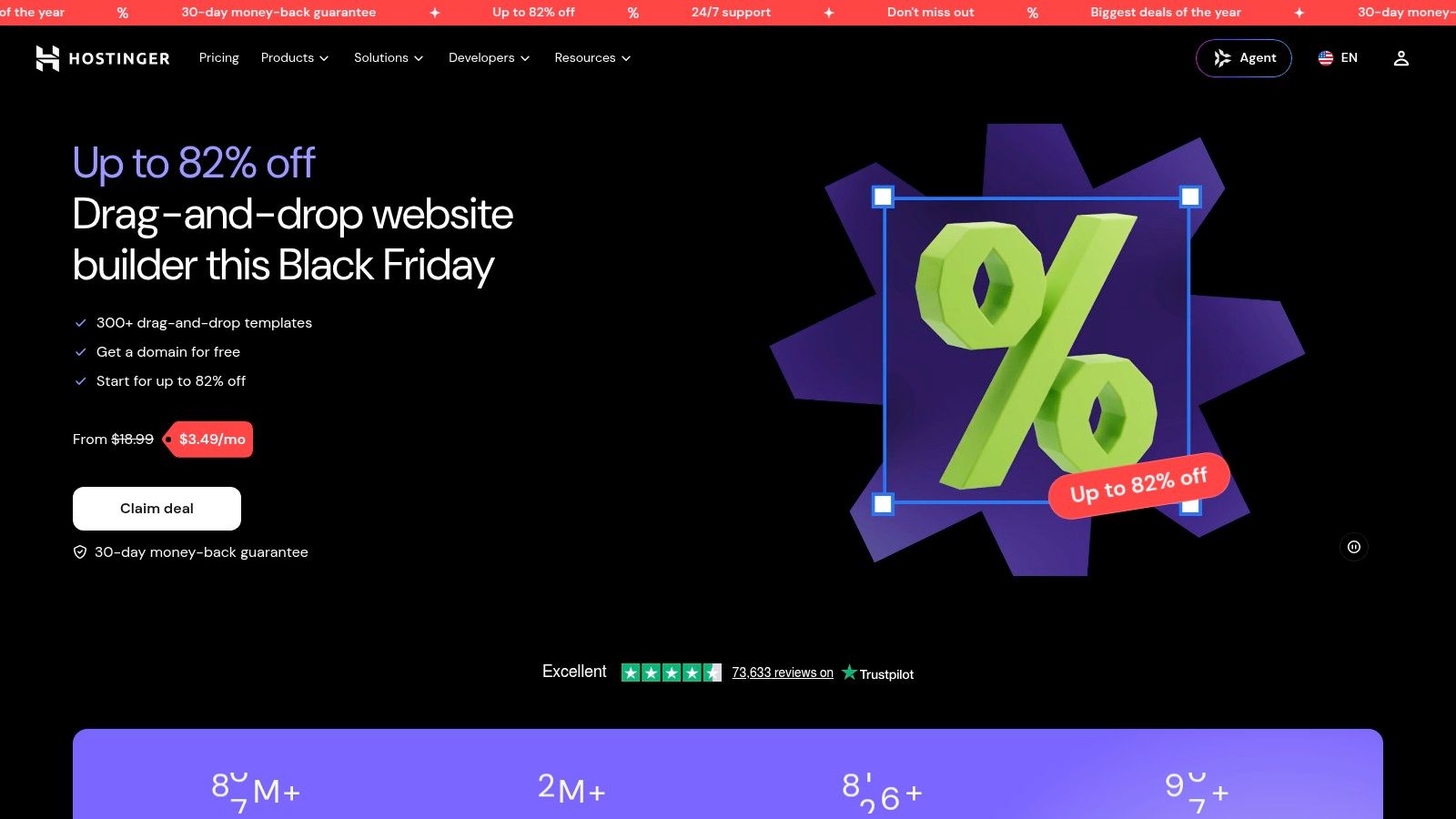
Hostinger Website Builder bundles AI-assisted site and store creation with templates, hosting, website management and email features. You don't arrange hosting separately, and listed plans include a custom domain offer for the first year. For a first site or smaller shop, fewer setup steps is a real advantage.
AI draft generation speeds up a starting point. It doesn't replace checking product data, page structure, form labels or checkout flow. Treat the draft as scaffolding, then replace generic copy and test every conversion path yourself.
- Introductory pricing: Promotional rates can make initial costs low
- Billing catch: Advertised monthly prices reflect long-term upfront billing
- Renewals: Check renewal rates before you commit
Ecommerce isn't included on every plan, so confirm eligibility before you build a store. Customisation and advanced commerce workflows are limited compared with specialist platforms. Hostinger fits a budget-conscious launch where speed matters more than depth. It isn't where I'd build a multilingual catalogue with complex promotions.
10. GoDaddy Website Builder
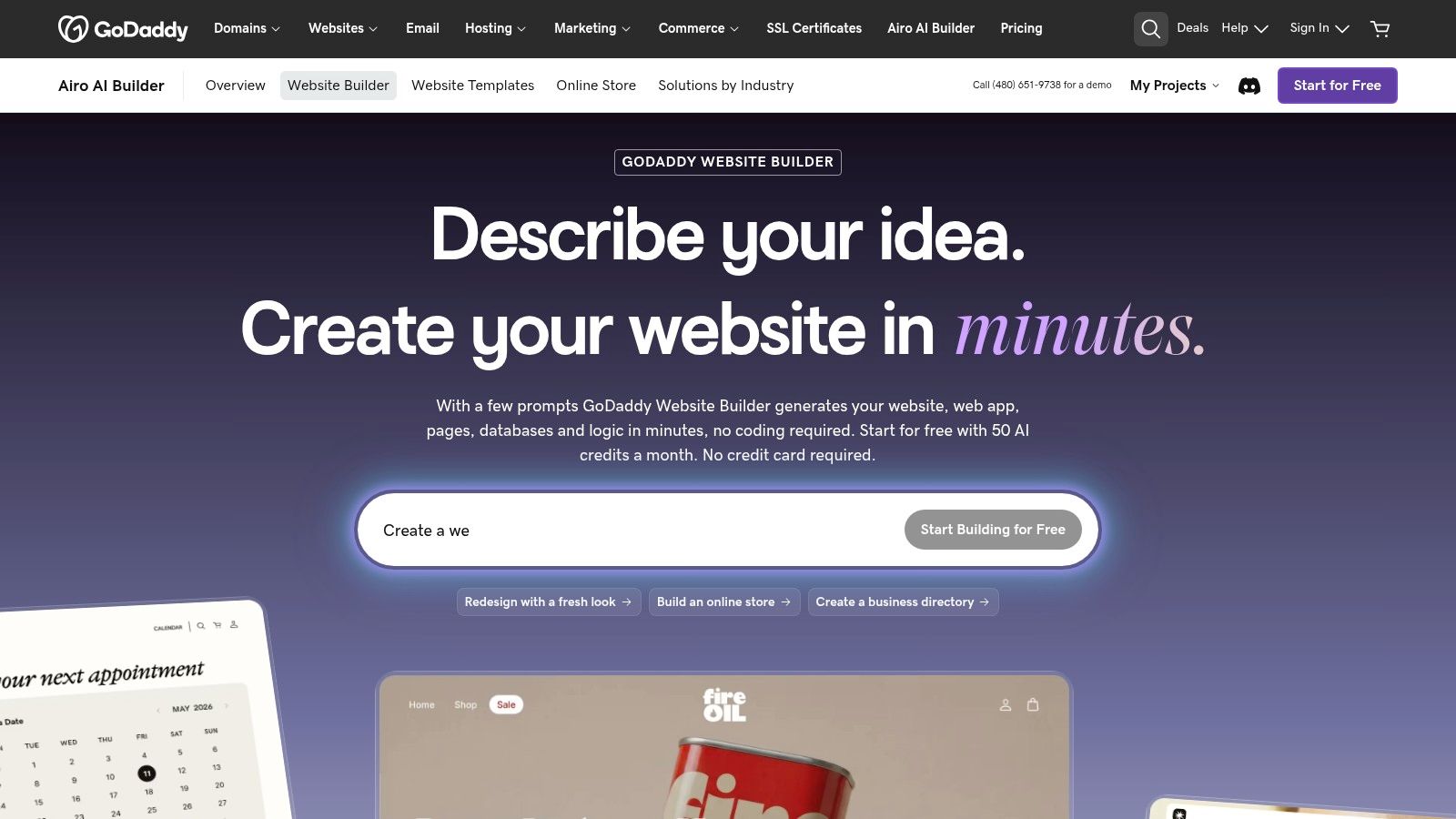
If your domains already sit with GoDaddy, GoDaddy Website Builder is the convenient route to a basic business site. It combines website and app publishing with domain management and other business services from the same provider. Convenience is the pitch, and for a simple site it's valid.
Connectors link the site to services including Facebook, Instagram, Notion, Google Business Profile and Mailchimp. That helps a small business keep profiles, content and email marketing connected without custom integration work. Selling products and services is available on eligible plans.
Know the Ceiling Before You Start
Commerce depends on the plan, and the platform may offer less design or backend flexibility than Webflow or WordPress. A business with a substantial catalogue, variant-heavy products or complex selling rules should compare specialist ecommerce platforms first. Migrating later costs more than choosing correctly now.
Selection test: Build your hardest page first in the trial, whether that's a configurable product, a multilingual landing page or a booking form. If that page is painful, the platform is wrong.
GoDaddy works for a quick, basic presence tied to existing domain services. It's a weaker fit when the website must carry serious publishing, catalogue or integration demands.
Website-building programs compared at a glance
| Best for | Ecommerce depth | Entry price signal | Learning curve |
|---|---|---|---|
| CIQRA, sites and stores on one platform | Broad: B2B, multiple stores, currencies, promotions and returns | Enterprise from $1,499/month on an annual agreement; Site and Shop plans billed monthly or yearly | Moderate |
| Shopify, online and in-person retail | Deep, with multichannel selling and apps | $29/month with annual billing | Moderate |
| Wix, flexible business sites with basic stores | Basic to moderate; features depend on plan | Free site building; paid plan required to sell | Beginner-friendly |
| BigCommerce, growing stores and B2B sellers | Deep, with B2B and multi-storefront tools | $29/month with annual billing | Moderate to advanced |
| WordPress.com, content-led sites needing extensibility | Flexible with WooCommerce and plugins | Free entry-level plan | Moderate; plugins add setup and upkeep |
| Squarespace, polished brand sites and simpler stores | Basic to moderate; varies by plan | $19/month with annual billing | Beginner-friendly |
| Webflow, custom-designed brand sites | Integrated store; less suited to advanced retail | Free publishing to a Webflow subdomain | Steep |
| Duda, agencies managing multiple client sites | Optional ecommerce upgrades | No price listed | Moderate |
| Hostinger Website Builder, quick site or small shop launch | Basic; ecommerce depends on plan | Introductory pricing requires long-term upfront billing | Beginner-friendly |
| GoDaddy Website Builder, quick basic business sites | Basic; selling depends on plan | No price listed | Beginner-friendly |
Choosing by Use Case, Not by Hype
Start with the job, then the tool. If retail is the core business, pick a store-first platform such as Shopify or BigCommerce and judge it on checkout, inventory, channels, returns and transaction costs. If presentation sells the product, pick a design-led builder such as Squarespace or Webflow, but test it with your longest headlines, real photography and the messiest product data you have.
If you manage many client sites, pick an agency workspace such as Duda and judge it on permissions, white labelling and how fast you can restore a client's mistake. If you need extensibility for content publishing, WordPress.com gives you plugins and WooCommerce, provided someone owns plugin maintenance. Wix, Hostinger and GoDaddy suit simpler launches where convenience and speed matter more than deep workflows.
Don't treat accessibility as a launch checklist you tick once. A report on WebAIM's 2026 scan found detectable WCAG failures on 95.9% of one million home pages, with common problems including low-contrast text, missing alternative text and unlabeled form fields. Automated scanning catches some failures, but it won't test keyboard navigation, checkout error messages or a returns flow with a screen reader. Ask how each platform handles review, restoration and recurring checks when several editors publish changes.
Performance needs the same operating discipline. Test representative production pages on mobile, including a content-heavy page and a transaction path, after you've added analytics, chat and third-party scripts. A clean homepage score tells you almost nothing about a filtered catalogue page with forty images.
For the unified case, use CIQRA as your concrete starting point for comparison. Sites and Commerce share one platform and one admin, so you can switch between them without migrating. Site and Shop plans can be billed monthly or yearly, while Enterprise plans are annual agreements, so you can match commitment to certainty. Prospects can request a demo, and CIQRA shows the features on a preview of their own site, which is more useful than a generic template tour.
Trial two finalists against the same real tasks. Publish a multilingual page, add a product with variants, set a promotion, complete a test order, process a return, restore an earlier version and give a limited role to a second editor. Time each task, note where you needed an app or a workaround, and total the first-year cost including apps, domains and renewal rates. The right choice is the one your team can operate accurately every week, not the one with the longest feature list.
If you want one hosted system for your company website and online store, with multilingual pages, approval workflows and commerce you can add without migrating, visit CIQRA and request a demo on a preview of your own site. Bring your hardest product page and checkout scenario, and judge the platform on how your team handles them.